StudioTwin MCP
Generate production-ready assets from any AI agent
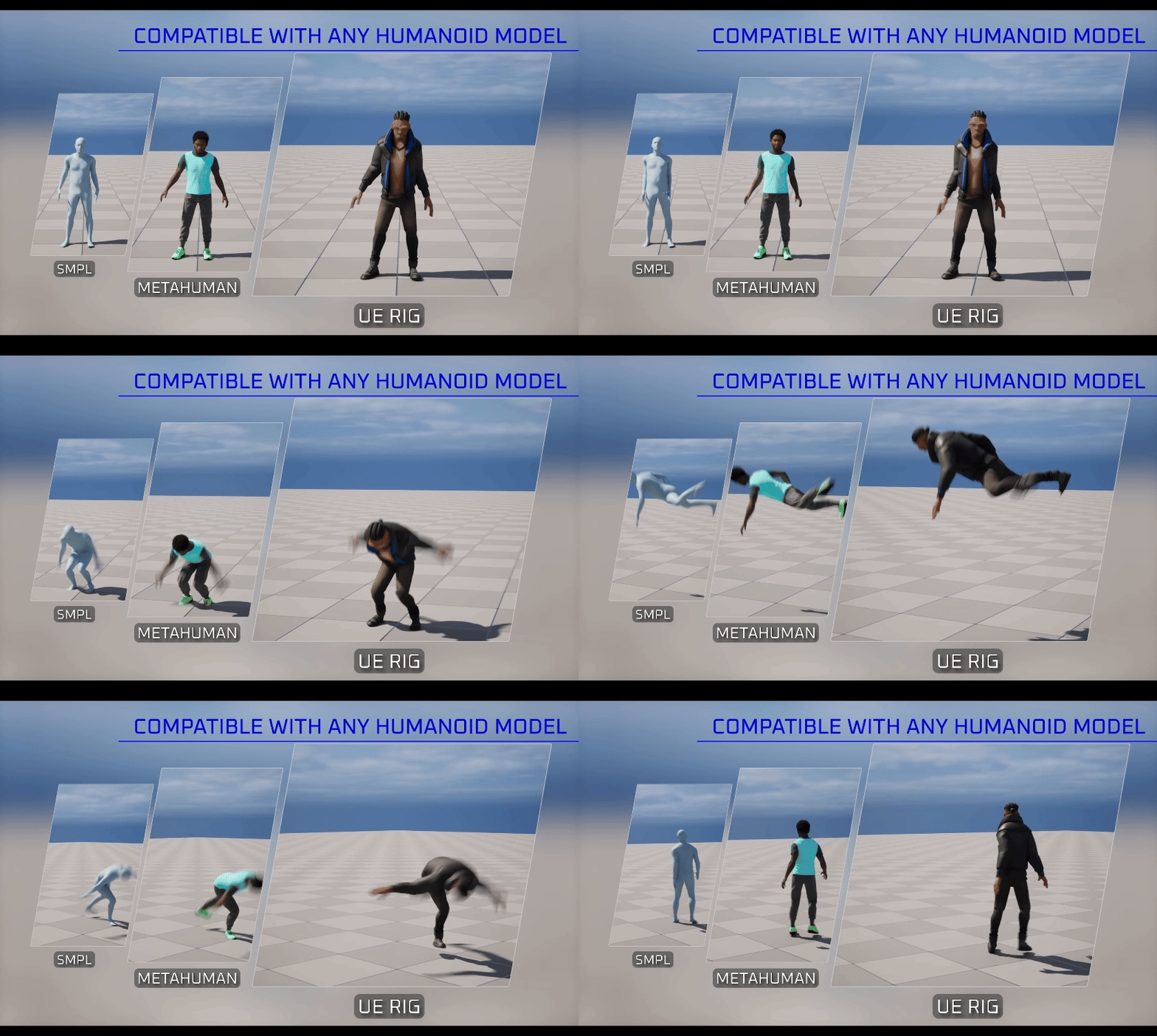
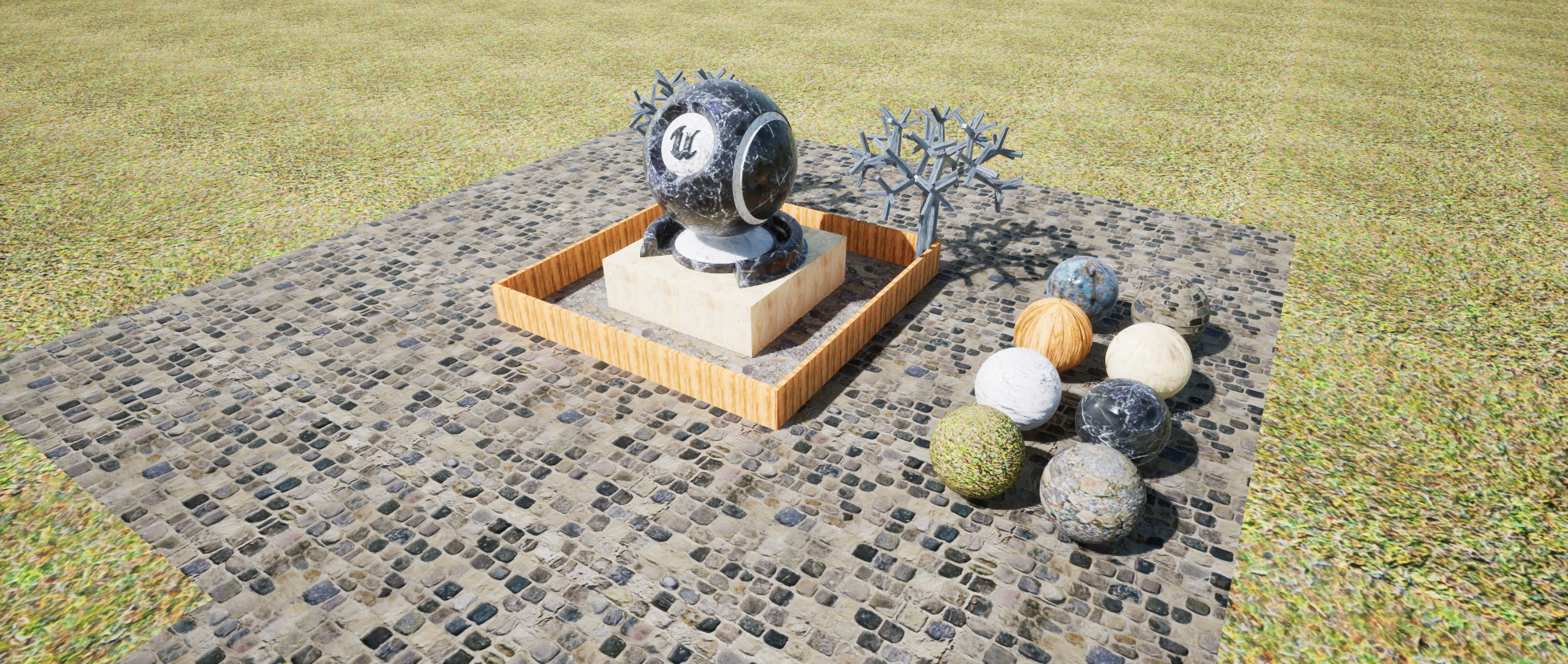
Connect agents like Claude Code and Cursor to every StudioTwin toolkit. Ask for an animation, a 3D model, a material, an environment, or a sound, and it lands in your project ready to use.
Install the skill
npx skills add realtwin/studiotwin-mcp-skill Works with
Works in Unreal, Blender, and the browser
Generate and import StudioTwin assets directly where you work.
Unreal Engine
LiveThe plugin UI supports UE 5.6, 5.7, and 5.8. Native UE MCP agent control requires UE 5.8+, StudioTwin 3.0.0+, and the matching plugin build.
Learn moreBlender
LiveWeb MCP handles StudioTwin cloud operations; the released Blender addon is the local importer for environments, models, materials, and audio. Motion import is still in progress.
Learn moreWeb
LiveGenerate from any agent without an editor open. Assets land in your account, ready to download.
Learn moreGet started with one command
Install the StudioTwin skill in your agent. It guides everything else: account, API key, and integration-specific setup.
You install the skill
One command adds the StudioTwin skill to your agent. Copy it, and hand it to the agent you already use.
npx skills add realtwin/studiotwin-mcp-skill Your agent does the rest
No account yet? No plugin? It walks you through each piece, checks it landed, then starts generating.
Every toolkit in one connection
All of StudioTwin’s generative toolkits are callable by your agent through the same connection

Environments
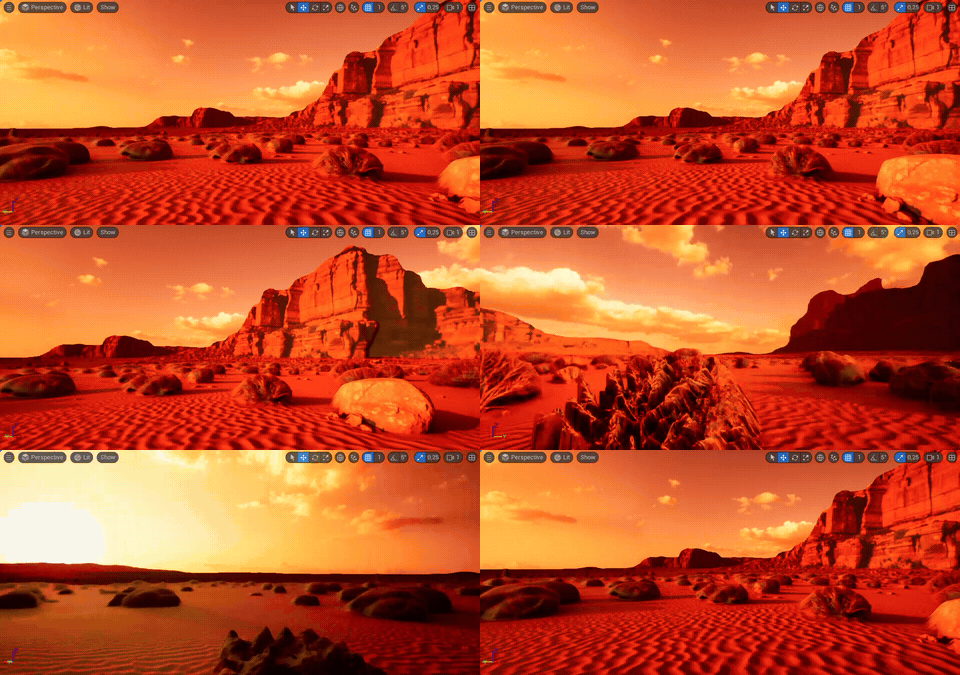
HDR environments from a prompt or image, with outpainting and upscaling built in.
Learn more
Video
Video-to-video workflows.
Runs on your existing credits
One credit balance
MCP spends the same credits as the plugin, and every spend shows in your dashboard's usage history.
Free plan included
Connect an agent and start generating with your free monthly credits.
You control the spend
Ask your agent to request approval before each generation, and nothing runs without your go-ahead.
Frequently asked questions
MCP (Model Context Protocol) is the open standard AI agents use to call external tools. StudioTwin MCP makes every StudioTwin toolkit callable through it: agents like Claude Code and Cursor can generate animations, 3D models, materials, environments, and audio, and deliver them straight into your project.
Any MCP-compatible agent works with StudioTwin, including Claude Code, Cursor, Gemini CLI, Codex, OpenClaw, and Hermes.
Send one command to your agent to install the StudioTwin skill. From there the skill checks your setup and walks you through connecting your API key and any steps specific to Unreal Engine, Blender, or your browser workflow. It confirms each step as it lands.
The StudioTwin plugin interface supports Unreal Engine 5.6, 5.7, and 5.8. Native UE MCP agent access requires Unreal Engine 5.8 or newer, StudioTwin 3.0.0 or newer, and the matching plugin build for your engine version.
They do different jobs. Unreal's MCP server controls the editor: spawning actors, setting up lighting, running tests. StudioTwin MCP integrates with it to expose the StudioTwin toolkits, so the same agent can also generate the assets those scenes need.
No. They use the same credits as generating from the plugin interface, on any plan including the free tier, and every spend shows in your dashboard. If you want to approve each generation before it runs, ask your agent to request approval on every StudioTwin call.
StudioTwin works with Unreal Engine and Blender, with browser access through StudioTwin MCP. Other digital content creation tools are on the roadmap.
Yes. StudioTwin Web MCP handles cloud generation and downloads, then the released Blender addon imports supported environments, models, materials, and audio locally. Motion import is still in progress.
Yes. StudioTwin is an AI creative suite for Unreal Engine 5 that covers animations, 3D models, materials, environments, and audio with a single UE plugin, and every toolkit is callable by AI agents through StudioTwin MCP.
Put a creative suite behind your agent
Add StudioTwin asset generation as a skill for your AI agent. Start on the free plan today.