
Your Studio, Multiplied
AI Creative Suite for Unreal Engine 5
Generate animations, 3D models, environments, materials, and audio with AI, directly in UE5.
Free to start. No credit card required.
Creative Toolkits for Every Stage of Your Pipeline
Plug-and-play AI generation inside Unreal Engine 5. Describe what you need, get production-ready assets.
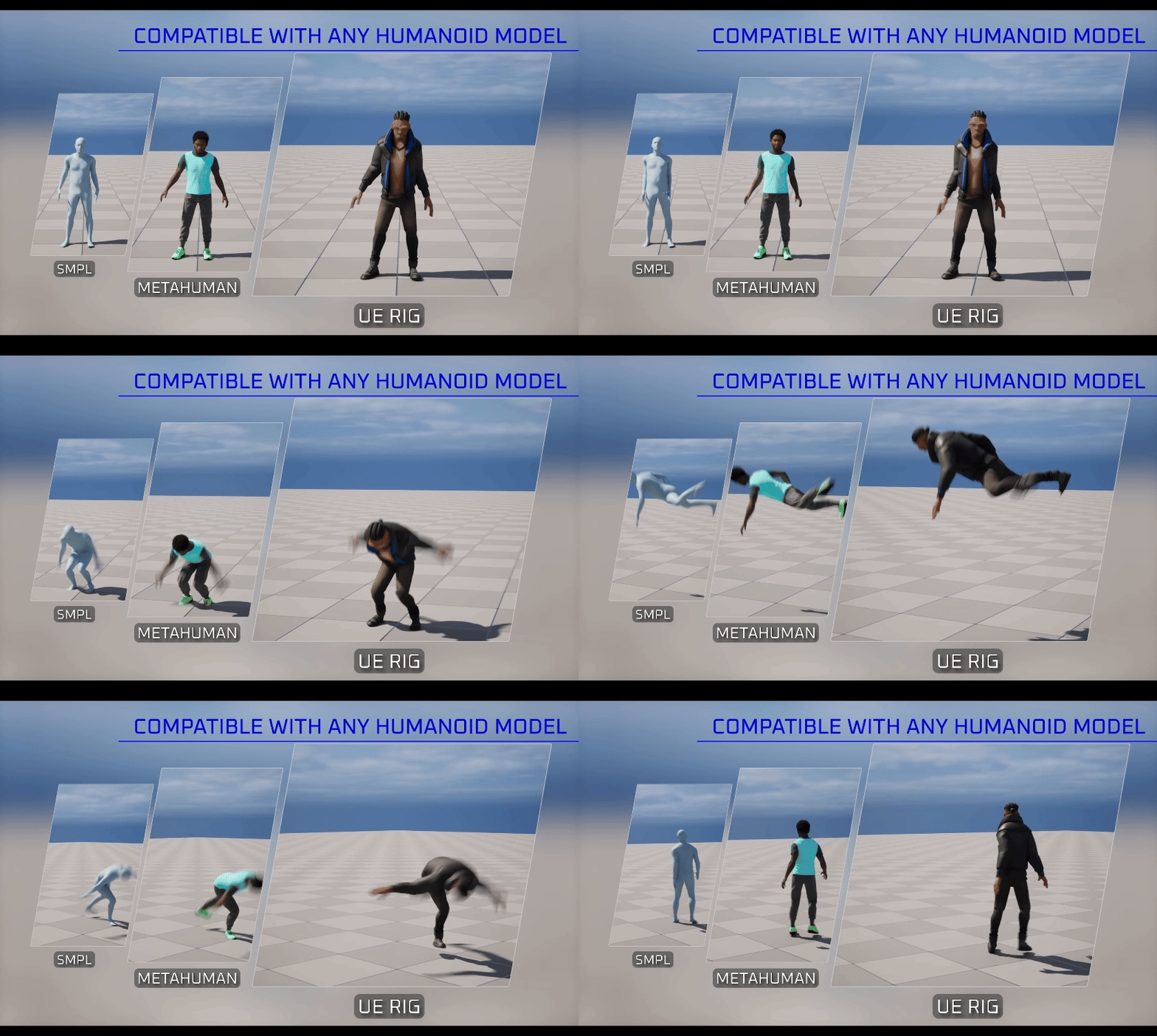
Generate animations in seconds
Text-to-Motion with Control
Describe a movement in natural language: a walk cycle, a combat sequence, an emotional gesture. StudioTwin generates production-ready animation directly in your UE5 timeline.
- ✓Frame-level control in UE5 Editor
- ✓MetaHuman compatible with IK Retargeter
- ✓Iterate and refine without leaving the engine
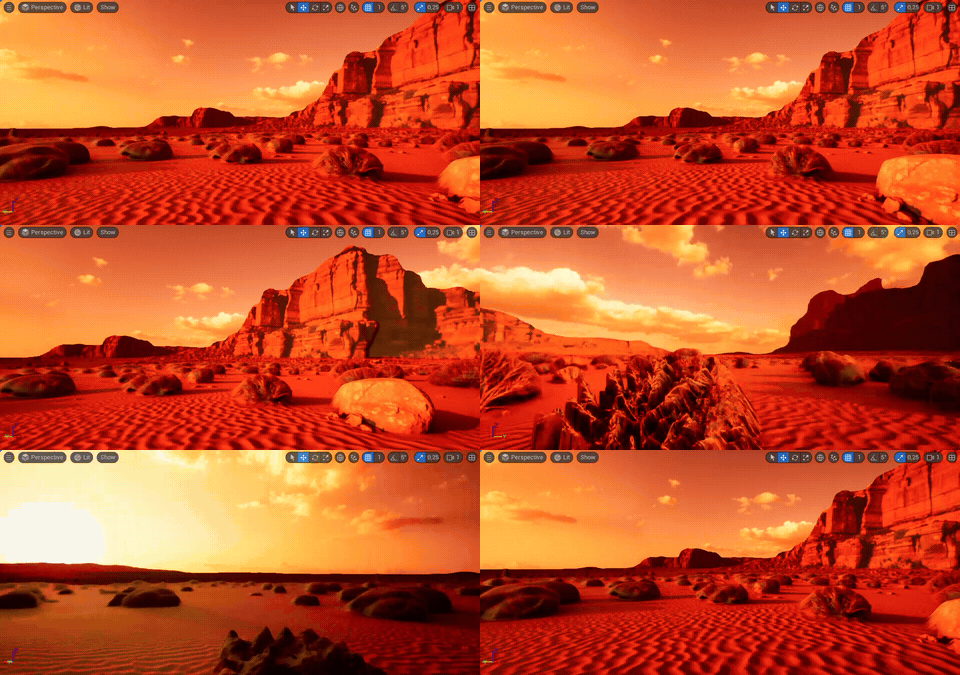
One Photo, Infinite Worlds
Environment & HDRI Generator
Generate complete 3D environments from a text prompt or a panoramic reference photo. AI transforms your input into HDR lighting, upscaled textures, and seamless gap-filling.
- ✓Full-scene HDR lighting from generated HDRI
- ✓Text-to-environment generation
- ✓Direct UE5 scene placement
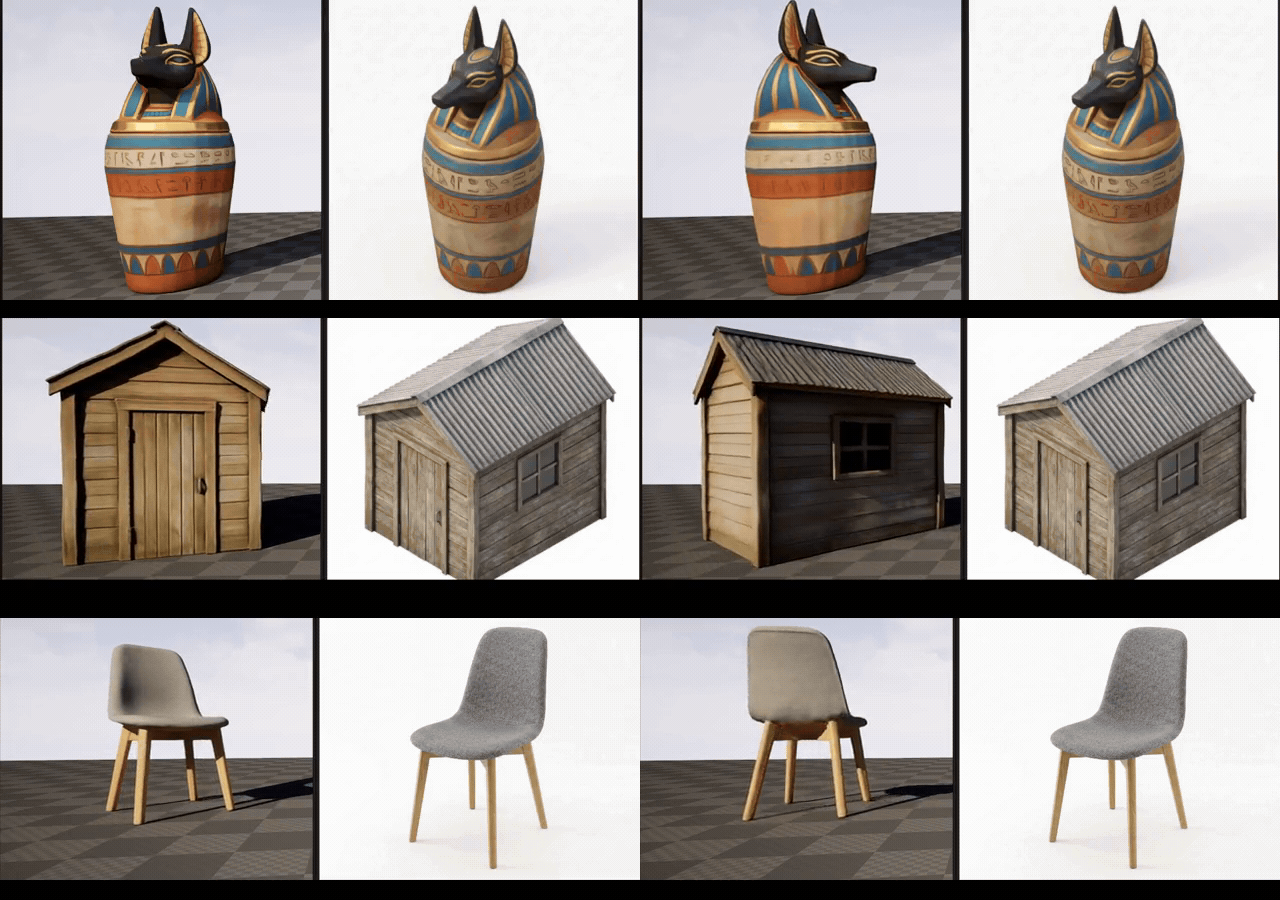
Describe It, Build It
Text-to-3D & Image-to-3D
Text or image to 3D model generation with PBR materials. Drop them straight into your Unreal project, no external tools needed.
- ✓PBR-ready output with materials
- ✓Direct import to UE5 project
- ✓Iterate with text refinements
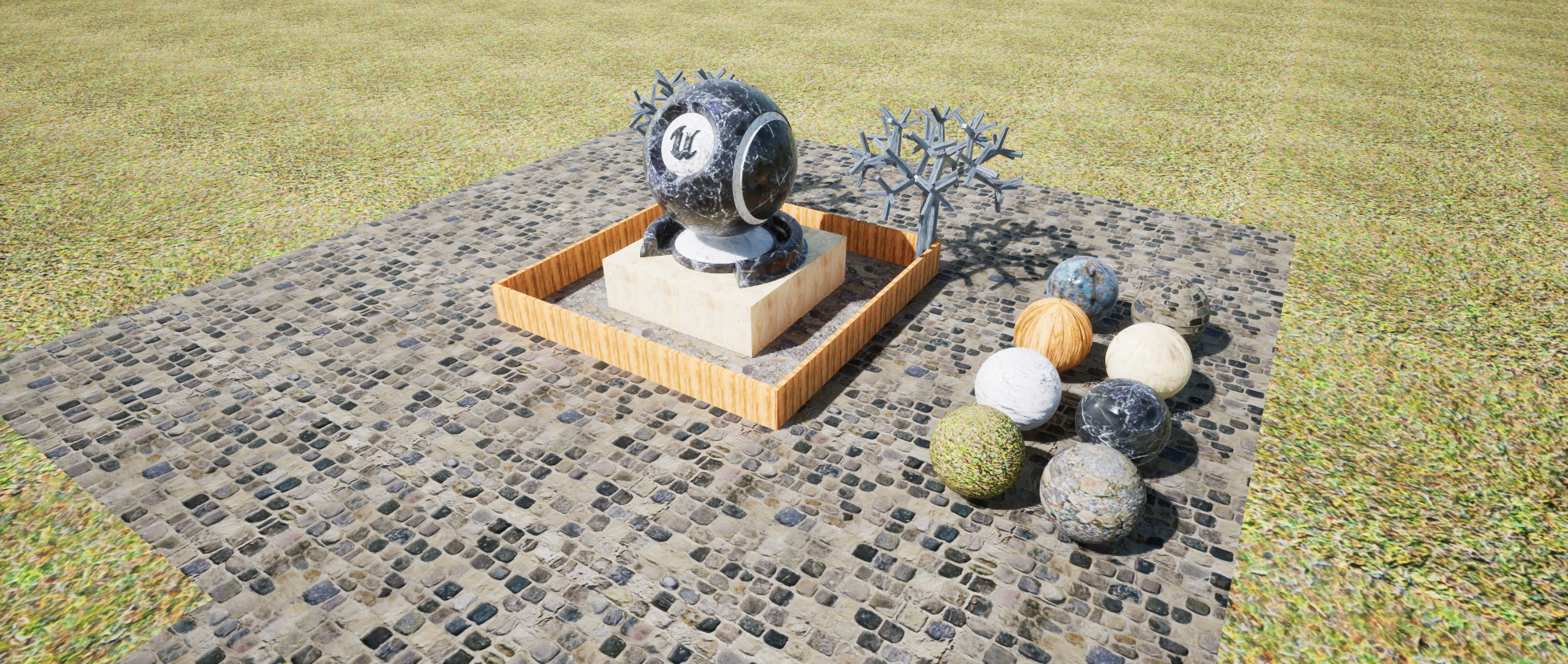
Any Surface, Any Style
PBR Material Generator
AI-driven PBR material generation from any reference image. Get complete texture sets ready for Unreal Engine in seconds.
- ✓Realistic textures from any reference
- ✓Complete PBR map sets (diffuse, normal, roughness)
- ✓Seamless tiling support

Describe a Sound, Hear It
Text-to-SFX
Type what you need and generate the sound effect on demand. Footsteps on gravel, a sci-fi door, rain on a tin roof. Set the exact duration and loop it seamlessly for ambient beds.
- ✓Text-to-SFX generation
- ✓Dial in exact duration
- ✓Seamless looping for ambient audio
Coming soon: Text-to-Music and Object-to-SFX.
ConceptLab
Create and iterate on concepts
Create a Character or Object concept from a prompt or reference image. Generate edits, compare results, and choose which version to keep before generating in 3D.
- Start from text or an image
- Refine without losing previous versions
- Pass the concept to downstream 3D tools

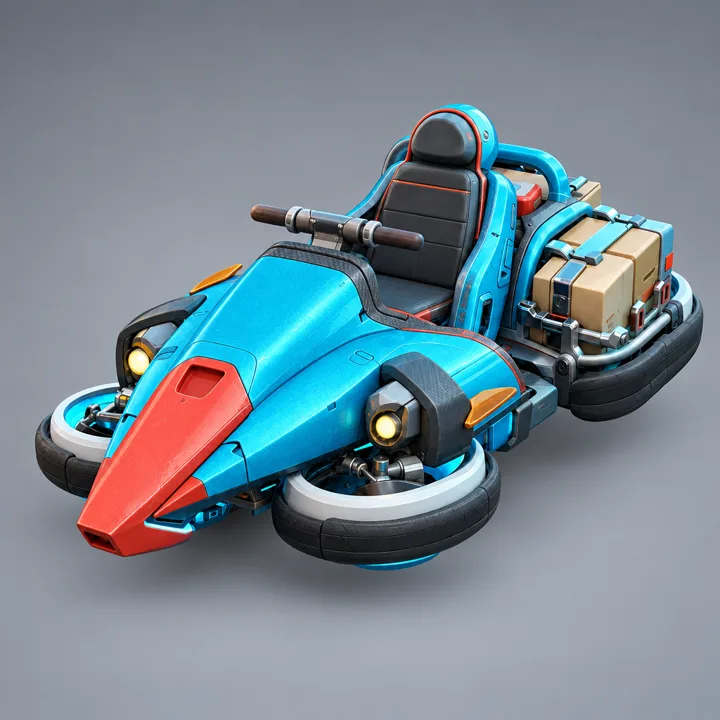
Comet Courier
How It Works
Three steps. Zero infrastructure. Pure creation.

Install Plugin
Download the plugin from your StudioTwin account.
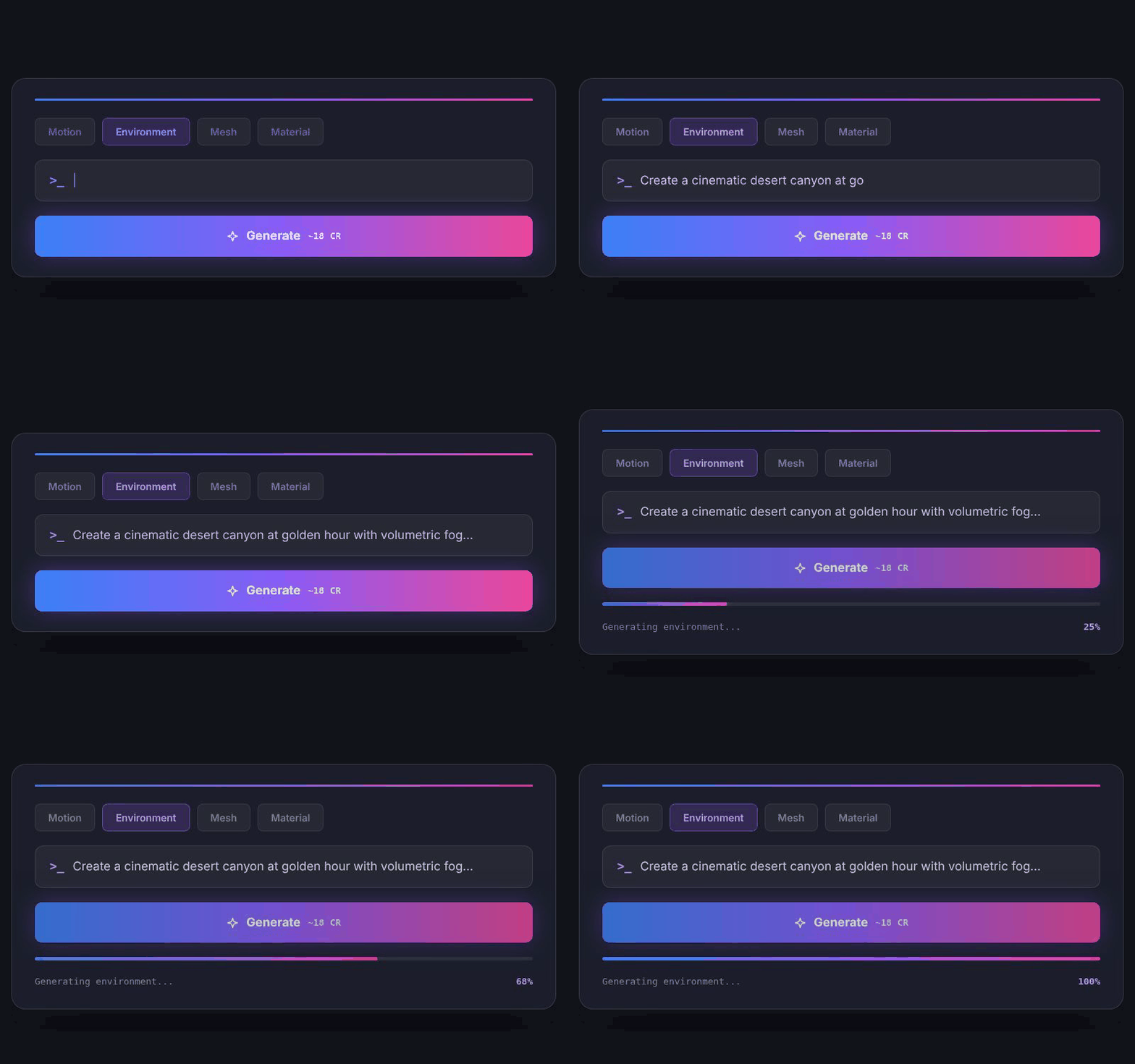
Generate
Describe what you need. AI creates it directly in your project.

Iterate
Refine in real-time. Everything stays in your UE5 project.
StudioTwin MCP
Works with your AI agent
Connect StudioTwin to Claude Code, Cursor, or any MCP-compatible agent. They get access to every generative toolkit and can deliver finished assets straight into your project, on the same credits and the same free plan.
Built for
Enterprise Scale
Custom AI tools, tailored workflows, and effortless deployment - no need to build or manage your own GPU infrastructure.
- ✓ Custom-trained models for your studio's style
- ✓ Dedicated compute with priority processing
- ✓ SSO, audit logs, and team management
- ✓ On-premise deployment options
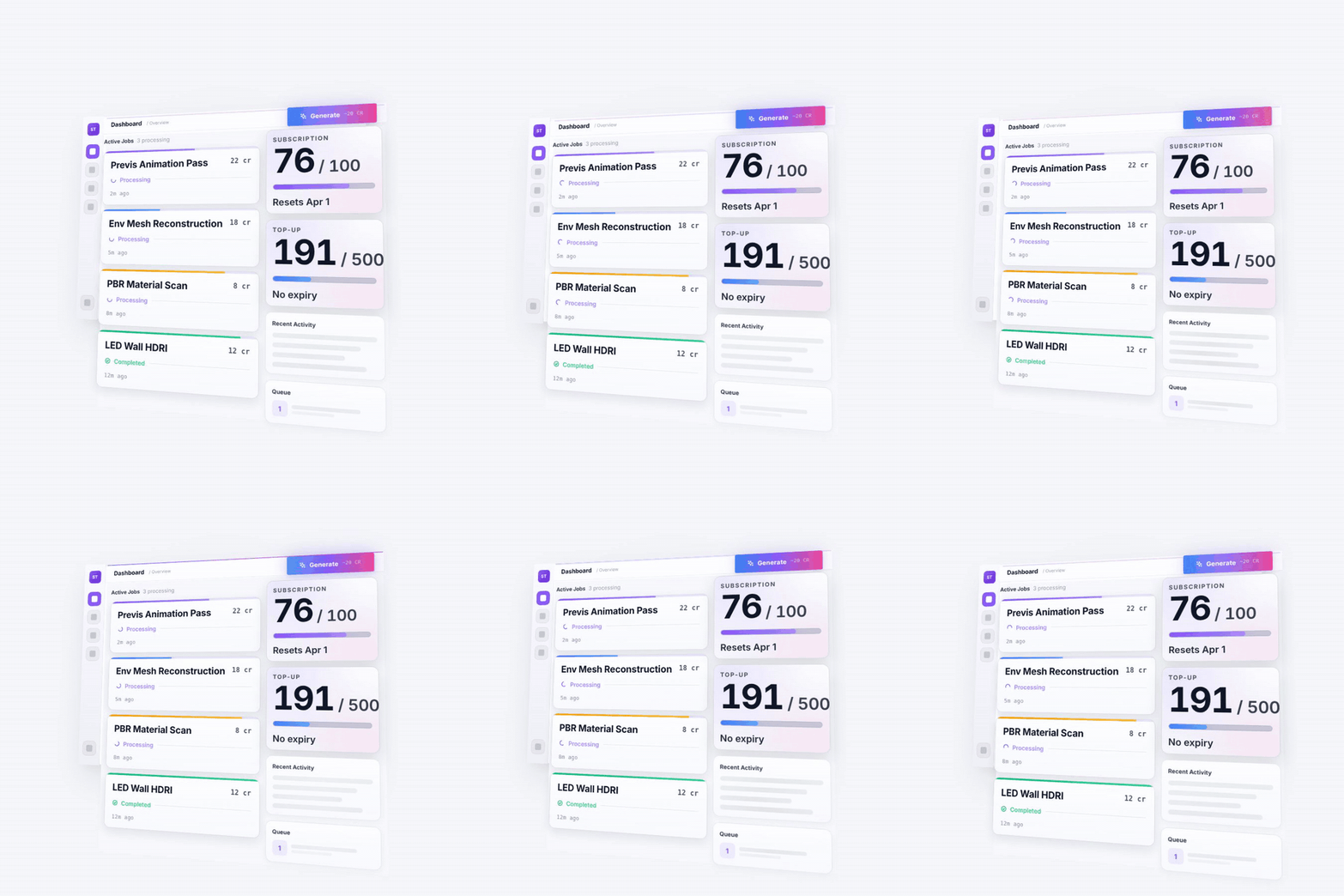
Simple, Credit-Based Pricing
No subscriptions to juggle. Buy credits, use them across any toolkit.
Starter
No credit card needed
- ✓ 100 credits per month
Plan credits reset monthly and do not accumulate.
Tool Credits* Text to Motion 5 Image to 3D Mesh 25 Image to Env. Map 25 Texture to Material 20 Text to Sound Effect 6 *Cost varies with generation settings.
See how credits work → - ✓ All 5 toolkits
- ✓ UE5 plugin included
- ✓ StudioTwin MCP included
- ✓ Community support
Pro
For individual creators
- ✓ More credits per month
- ✓ All 5 toolkits
- ✓ Priority processing
- ✓ Email support
Enterprise
For studios & teams
- ✓ Unlimited credits
- ✓ Custom-trained models
- ✓ Dedicated compute
- ✓ SSO + team management
Start Creating
Generate your first asset with free monthly credits. No credit card required.
Sign up FreeGet in Touch
Questions about enterprise licensing, custom integrations, or partnership opportunities? We'd love to hear from you.
Enterprise & Studios
Custom models, dedicated compute, SSO, and on-premise deployment. Let's talk about your production pipeline.
enterprise@studiotwin.ai →General & Beta
Beta access questions, partnership ideas, press inquiries, or just want to say hello - we read every message.
hello@studiotwin.ai →Frequently Asked Questions
Filmmakers, animators, game developers, technical artists, and virtual production professionals working in Unreal Engine, Blender, or any agentic workflow through an MCP client. If you create 3D content, StudioTwin gives you faster ways to generate and iterate.
No. All AI generation runs in the cloud. Use StudioTwin through the Unreal Engine plugin, Blender integration, or StudioTwin MCP from any MCP client; your local machine handles the viewport while we handle the heavy compute.
StudioTwin is free to start. Every account gets 100 cloud credits per month at no cost. Premium tiers with higher limits and priority processing are coming soon.
Animations from text prompts, full 3D environments from panoramic photos, PBR materials from reference images, 3D models from text or image input, and sound effects and audio from a text description across Unreal Engine, Blender, and any agentic workflow through StudioTwin MCP.
No. Through StudioTwin MCP, your agent can also generate assets from any MCP client. Importing assets into Blender is also supported. Our API uses industry-standard formats (FBX, glTF, EXR), so the same toolkits travel across every surface.
Yes. StudioTwin MCP lets agents like Claude and Cursor call every StudioTwin toolkit and deliver the results into your project. One command sets it up, and it works on every plan, including the free tier.
Yes. All assets you generate with StudioTwin are yours to use in commercial projects with no additional licensing fees.
No - you can use StudioTwin out of the box, even on an empty UE5 project. We ship all necessary assets (skeletal meshes, IK retargeters, etc.) inside the plugin.
Your free credit balance is refreshed monthly (100 credits). You can check your remaining credits in the StudioTwin dashboard. Premium tiers with higher credit limits are coming soon.